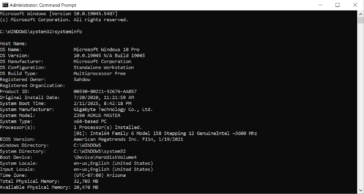
Replace YourUsername with your actual Windows username and D:\DestinationFolder with the path to the destination folder where you want to copy the AppData folder. Explanation of the switches used in the command: Please note that the AppData folder may contain system and application-specific files, and blindly copying it to another location might not always be a good … [Read more...] about Using Robocopy to copy entire AppData Folder
Copy
Copy files to another location in DOS
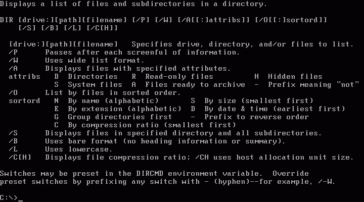
Example: Copy and overwrite files from drive A: to C:\DOS in DOS 6.22, you can use the COPY command. Here's the basic syntax: Replace SOURCEFILE with the name of the file you want to copy from drive A:, and replace DESTINATIONFILE with the name you want for the copied file on drive C:\DOS. If you want to copy all files from drive A: to C:\DOS and overwrite existing … [Read more...] about Copy files to another location in DOS
To Lorem Ipsum or to Samuel L. Ipsm

So What the Heck is Lorem Ipsum? Used in publishing and graphic design, lorem ipsum is filler text that helps demonstrate the graphic elements of a document or visual presentation. By replacing meaningful content with placeholder text, viewers are able to focus on graphic aspects such as font, typography, and page layout without being distracted by the content. It … [Read more...] about To Lorem Ipsum or to Samuel L. Ipsm